NEW SPRINGBOARD LAUNCHING SOON
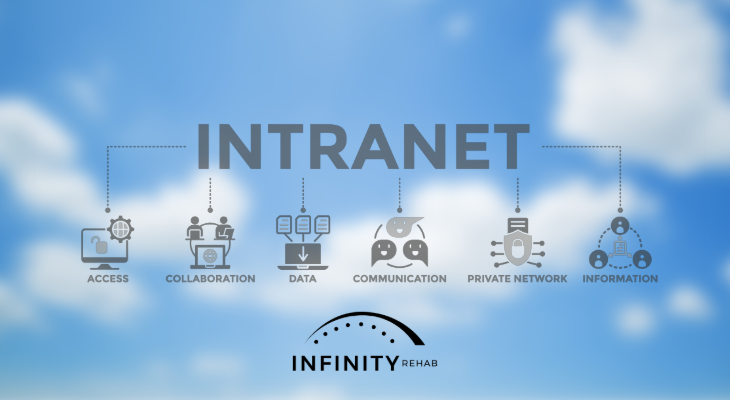
Our new Infinity Springboard (built within Microsoft SharePoint) is launching soon! We recently held a training for ARDs, DORs, and managers. You can access the training and resources below:
Video recap of training: https://youtu.be/cIeQKQzGkkY
Training PDF: Springboard Training
Flyer to post for your teams: Springboard Awareness Flyer
Login instructions for Microsoft users: Springboard Login Instructions
Get details about why we are making this change in this Insider article.
NEW IT ASSET REQUEST LINK
A new form has been created for IT asset requests: https://hipaa.jotform.com/build/260544909648165/publish. Please do not use any old links! This will automatically alert IT to the request and allow us to better keep track of it. Please don’t email, text, or call IT directly. If you have trouble accessing the form, please let us know.
NEW IT STICKERS
All DORs should have received updated IT support stickers. If you did not receive, please email the IT Department. Make sure all laptops and iPads in your community have the correct sticker.
SUPPORT
When contacting IT support, include as much detail as possible with your initial communication. Please include the laptop or iPad number, the issue you’re having, how long it’s been happening, and any error messages you are receiving—including screenshots if possible. The more detail you include, the more effectively and efficiently IT can troubleshoot the issue.
Please note that for NetHealth issues other than password resets, your best first option for support is NetHealth. Prime Care can only reset your password and cannot help with any other NetHealth issues.
SAVE OR PRINT: IT Support Who to Contact
Email Prime Care Support
Phone: 1-855-424-3917
Thank you for helping us keep IT support seamless and efficient.